Microsoft Fabric
Microsoft Fabric is an all-in-one AI-powered data platform. It connects, manages, and analyzes data in one place. It provides powerful analytics, engineering, and business intelligence tools. It helps organizations turn data into smarter decisions.
WHY FABRIC
Experience the next generation data platform
Give your teams the AI-powered tools they need for any data project—including workloads tailored to your industry.
Combine data from nearly any source into a single, multi-cloud data lake for your entire organization, and work from the same copy of data across different analytics engines and languages.
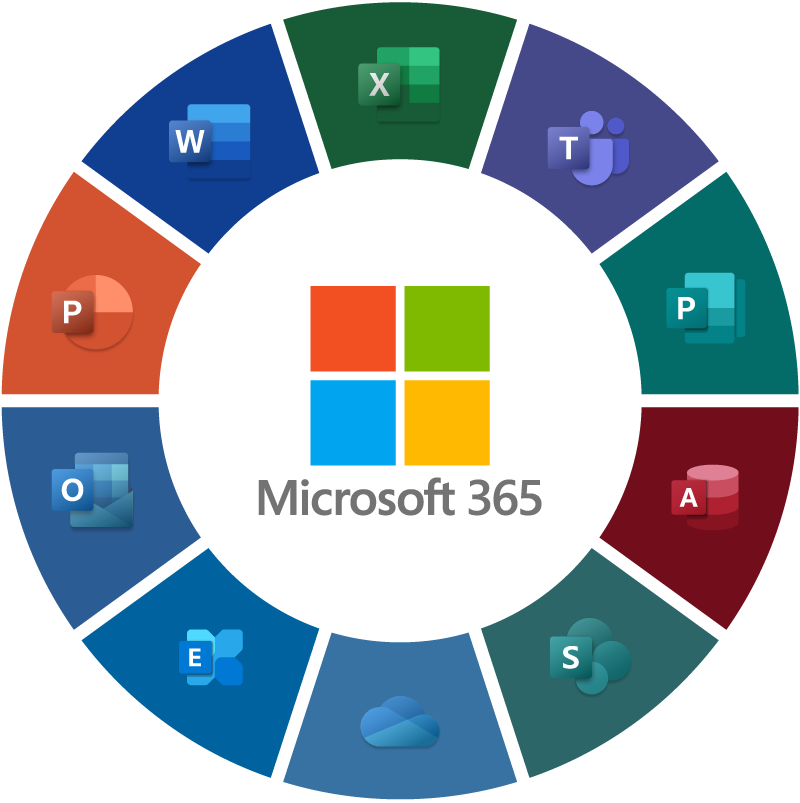
Help your teams understand your data with AI-enhanced Q&As from Copilot, plus visual representations of your insights embedded directly in Microsoft 365 apps.
Confidently deploy and manage Microsoft Fabric with category-leading performance, instant scalability, and shared resilience alongside security, governance, and compliance tools.
CAPABILITIES
Features of Microsoft Fabric

Fabric IQ (preview)
Turn unified data into unified intelligence to power agents and make smarter real-time decisions.

Business intelligence
Turn your data into visually
immersive, interactive insights and embed them in Microsoft 365.

Data warehouse
Scale compute and storage independently with
industry-leading SQL performance.

Data integration
Unify your data estate with integration tools that allow you to solve your most complex ETL scenarios.

Data science
Use AI tools to build end-to-end workflows, enrich data, and improve insights.

Real-time intelligence
Explore, analyze, and act on large volumes of streaming data in near-real time with high performance and low latency.

Copilot in Fabric
Accelerate productivity and creativity with natural-language prompts in notebooks,
pipelines, and reports.

Databases
Create powerful, insight-driven apps at cloud scale with a unified database experience.

Data lake
Access your entire multi-cloud data estate from a single data lake spanning your entire organization.
SECURITY AND GOVERNANCE
Manage your data with confidence using industry-leading security and federated governance tools
Use Fabric’s built-in tools—like OneLake security and the OneLake catalog—alongside
advanced and estate-wide tools from Microsoft Purview for end-to-end security and governance.
คำถามที่พบบ่อย
Lorem ipsum dolor sit amet, consectetur adipiscing elit. Suspendisse varius enim in eros elementum
tristique. Duis cursus, mi quis viverra ornare, eros dolor interdum nulla.
What is Fabric Enterprise?
Microsoft Fabric Enterprise refers to Microsoft Fabric capabilities and licensing designed to support large-scale enterprise data and analytics. It brings data integration, engineering, real-time analytics, data warehousing, data science, and business intelligence together in one unified platform.
How do I integrate my existing data sources?
Microsoft Fabric makes it easy to connect and integrate data from your existing systems and applications. You can use built-in connectors, Data Factory pipelines, shortcuts, and dataflows to bring data from databases, cloud services, files, SaaS applications, and other data platforms into OneLake.
What level of support is included in the pricing?
Microsoft Fabric includes technical support for break-fix issues, helping customers troubleshoot problems with the Fabric service. Support is available through the Fabric Support Center and related Microsoft support channels.
Can I customize the reporting dashboards?
Yes. Microsoft Fabric allows you to customize reporting dashboards and Power BI reports to meet your organization’s specific business needs. You can create interactive visualizations, choose different charts and layouts, apply filters and slicers, and organize key metrics into dashboards that are easy for users to understand.
Is my data secure and compliant?
Yes. Microsoft Fabric is designed with enterprise-grade security, privacy, and compliance capabilities to help organizations protect their data. It provides features such as Microsoft Entra ID authentication, role-based access control, encryption, data governance, auditing, and centralized security management.
How do I cancel my subscription?
You can cancel your Microsoft Fabric or Microsoft 365 subscription through the appropriate Microsoft administration portal. For Fabric capacity subscriptions, administrators can manage cancellation through the Microsoft 365 admin center, while some Azure-based capacities are managed through Azure.
Basic steps:
- Sign in to the Microsoft 365 admin center.
- Go to Billing → Your products.
- Select the subscription you want to cancel.
- Choose Cancel subscription or turn off recurring billing.
- Follow the instructions to confirm the cancellation.
- Save or back up important data before the subscription expires.
If you turn off recurring billing, the subscription generally remains available until its expiration date rather than stopping immediately.
Still have questions?
Our support team is ready to help you with any inquiries.